

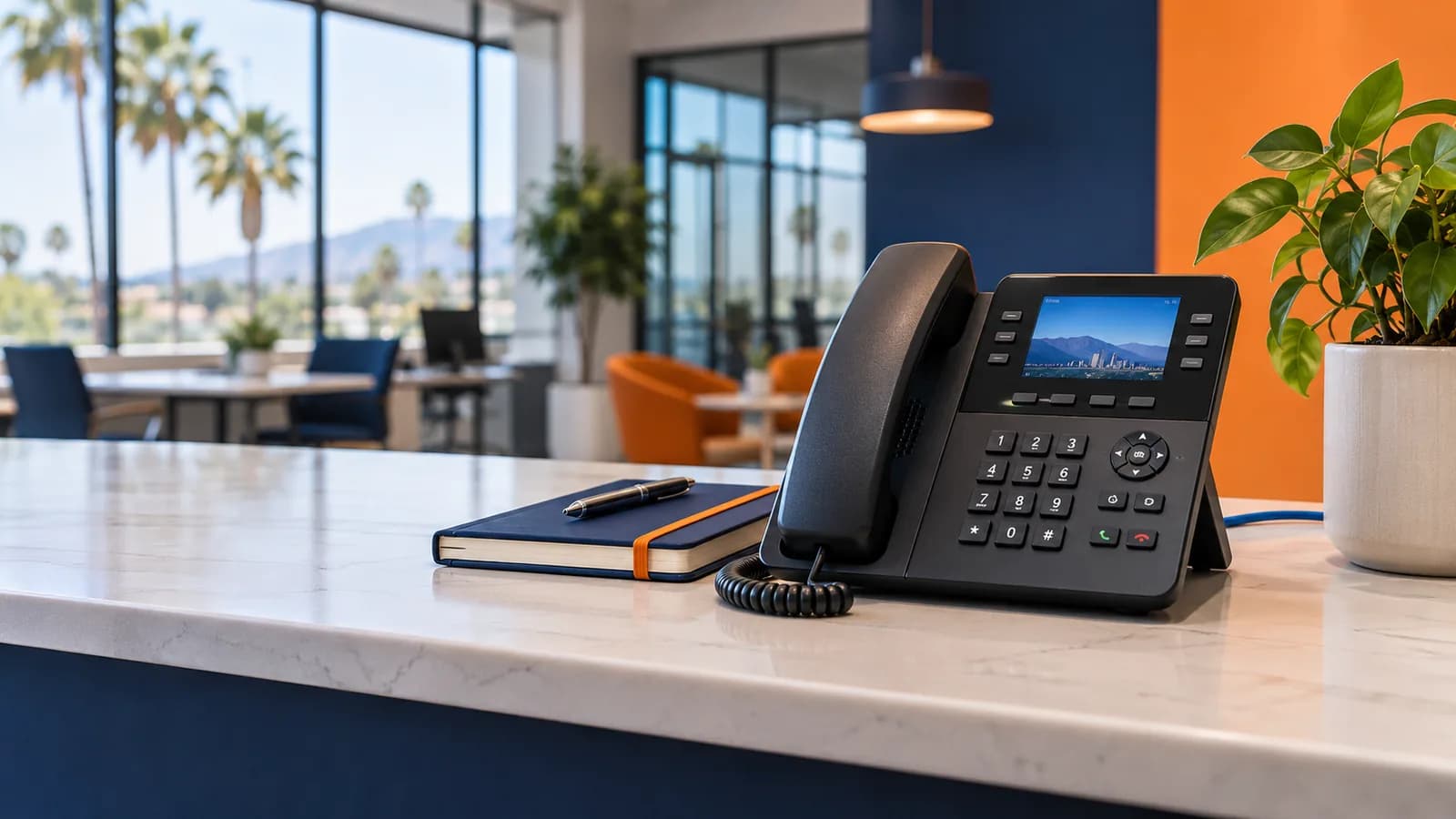
An office can move to internet based calling and still keep familiar handsets on desks. The important choice is whether those handsets fit the phone platform, the people using them, and the network already in the building. Buying a stack of IP phones before checking those details can create avoidable replacement work and disruption to everyday phone calls.
This guide focuses on the phone equipment decision. If you are still deciding whether a cloud or on premises system is right for the business, start with our cloud and VoIP phone systems service.
For a small business, the useful question is not which handset looks most advanced. It is which combination of devices lets your team answer, transfer, and manage calls without adding equipment they do not need. Start with your daily call flow, then check the VoIP phone system and network that will support it.
What is an IP desk phone?
An IP phone, often called a VoIP desk phone, sends calls over a data network rather than using a traditional analog telephone jack for each handset. It looks much like an office phone: a handset, keypad, speaker, and buttons for supported call features. The network connection, phone platform, and service plan determine what it can do.
Many desk phones connect through Ethernet. Some models accept Power over Ethernet (PoE), which lets a compatible network switch provide power over the network cable. Others need a separate adapter. Those are equipment specifications to verify, not assumptions to make from the phrase “VoIP phone.”
VoIP stands for Voice over Internet Protocol. Some catalogs call the devices “VoIP IP phones,” although both terms point to the same network-based calling idea. The label is not a promise that every phone will work with every service. Traditional phone systems may use dedicated phone lines, including traditional copper phone lines; a VoIP desk phone commonly uses the office data network and internet connection. If you have existing analog handsets or special-purpose lines, ask whether an adapter or a separate connection is appropriate rather than assuming they can plug into a new system unchanged.
Desk phone or softphone?
A softphone is an app that lets someone make and receive business calls on a computer or mobile device. A desk phone gives the person a dedicated handset at a fixed workspace. Neither is automatically better for every role.
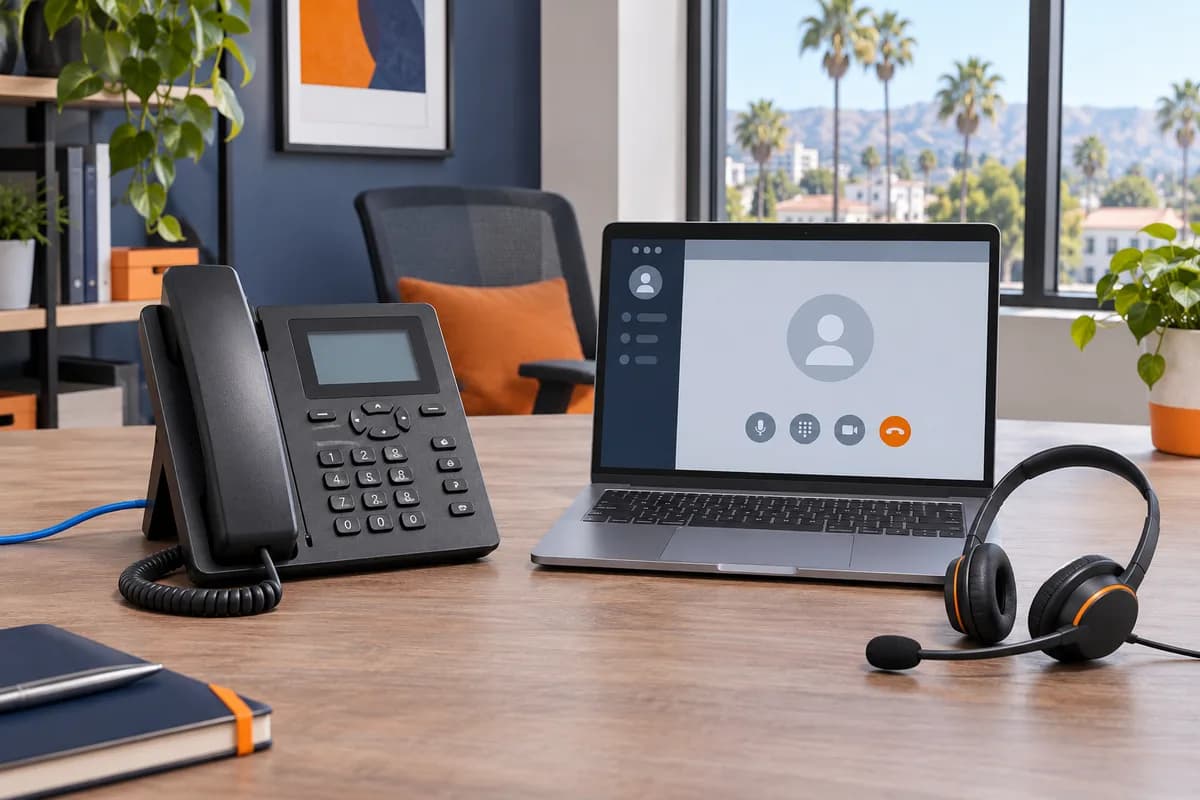
A desk phone may suit
- reception or other desks where calls are handled throughout the day;
- shared work areas that need a clearly assigned calling device;
- people who prefer a physical handset and familiar call controls.
A softphone may suit
- staff who move between desks or work remotely;
- people who already use a headset and computer for calls;
- teams that want fewer physical devices at each workstation.
A business may use both if its platform supports them. Check user licensing, sign in rules, headset support, and how incoming calls move between devices. Some VoIP systems also support mobile apps on a cell phone, but the available controls may differ from desk and desktop apps. That can matter for remote teams. Do not assume every feature works the same way on each device.
Match phones to the work people do
Before comparing VoIP phones by brand or screen size, list the places where calls are answered. Count each dedicated desk, shared work area, reception position, and meeting room. Include staff who work away from the office or at multiple locations. This short inventory helps prevent buying a handset for every account when some people would be better served by a desktop or mobile app. A “best VoIP phones” list cannot know which key features your team actually uses.
Reception and high-volume call handling
Reception may need quick access to transfers, hold, voicemail, and several incoming calls from multiple users. Ask the provider to demonstrate those tasks on the exact proposed device. An expansion module or additional keys may be useful for some teams, but the need depends on the call flow and the phone platform. A feature shown on a handset brochure is not enough to confirm it works with your service plan.
Individual and shared desks
A standard desk may only need a dependable handset, speakerphone, headset connection, and clear access to voicemail. For a shared desk, ask how the phone identifies the person using it and whether calls follow that person when shifts change. If employees move among locations, compare that setup with a softphone before choosing hardware.
Conference rooms and mobile staff
A meeting room may need a device that picks up voices across the table, while a mobile employee may prefer an app and headset. Video conferencing does not automatically require a video-capable desk phone; many teams already use a computer for video calls. Confirm how conference calling and any video tools fit your existing workflow instead of paying for features that will not be used.
Check the phone system before selecting a handset
“SIP compatible” on a product listing does not by itself confirm that every feature will work with a chosen provider. Ask for a supported device list and check the exact model and firmware. If you already own phones, ask whether they can be reused and what functions may change. If you are replacing a system, inventory handsets by role before buying new ones.
For each role, note the functions that actually matter: transferring calls, parking or holding calls, shared lines, voicemail access, headset use, and conference calling. The business may need a receptionist device, standard desk phones, and a conference room device rather than one model everywhere.
Compatibility includes more than placing a basic call. Check whether the device receives updates from the provider, whether its headset port supports the chosen headset, and whether shared lines and programmable keys behave as expected. If you own IP phones now, provide the exact model numbers. Reusing them may be possible, but it should be confirmed in writing before the equipment budget is set.
Questions to ask the VoIP provider before ordering
Ask for a list of supported phone models and the features available on each. Then request a demonstration of your most important call path: an incoming call, transfer, hold, voicemail, call forwarding, and any after-hours handling you use. Ask whether advanced features such as call routing, voicemail to email, call logging, or integration with customer relationship management (CRM) systems are available if your team needs them. For sensitive conversations, ask how the proposed service and equipment protect calls. Find out which features belong to the phone, which belong to the service plan, and which require a separate license or app.
If keeping an existing phone number for your business line matters, confirm number-transfer eligibility and the expected sequence with the new provider. Do not cancel the current phone service solely because new phones have arrived. Ask how users will receive and answer calls during the changeover, who configures each device, and who supports it after installation. These answers make competing quotes easier to compare.
Check the office network and power
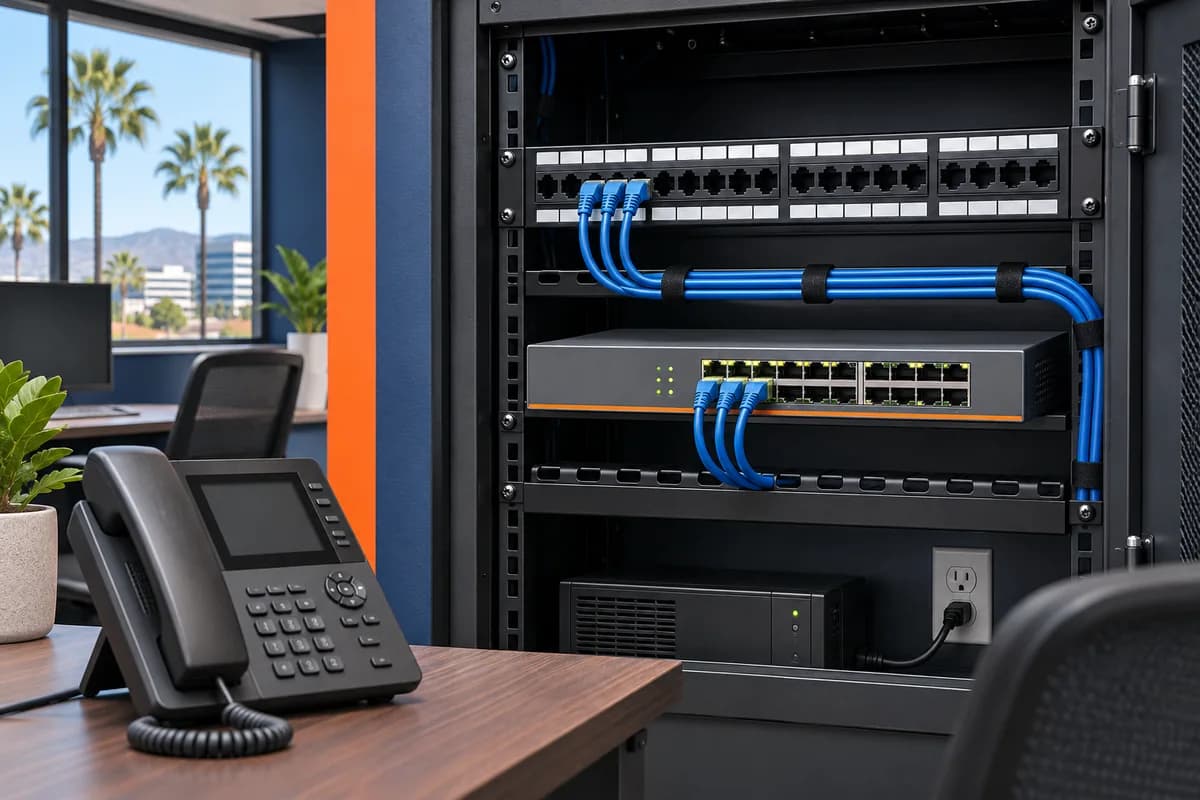
The handset is one part of the calling path. A technician should look at the network ports where phones will sit, Ethernet cables, switch capacity, available PoE power, and the connection that carries calls. A phone cannot use PoE from a switch that does not provide it, and a desk without a working network run may need cabling work.
Ask how calls will behave during an internet or power outage and how emergency calling will identify the correct location. The FCC describes broadband loss, power loss, and moved equipment as situations that may affect interconnected VoIP 911 service. Your provider should explain the safeguards and location setup for its specific offering.
For new workstations or an office move, review network and data cabling and phone system relocation planning before devices are placed.
Internet speed alone does not settle call quality. Ask the provider or network technician to review how the office connection behaves when many people use it at once, whether the network equipment can prioritize voice traffic, and whether Wi-Fi is being proposed for devices that could use a wired connection. The right answer depends on the building and the system, so a site-specific check is more useful than a generic speed number.
Compare the full cost, not just the phone price
A low handset price can hide other costs. Compare the equipment, per-user service, licenses for needed features, headsets, network switches, PoE capacity, adapters, cabling, installation, and ongoing support. Ask whether a device is purchased, financed, or included in a service agreement, and what happens to it if the provider changes.
Review the current phone bill alongside the proposed one, but do not assume a particular savings percentage. Long-distance calling, international calls, taxes, fees, and support can vary by plan. A written comparison based on your actual calling patterns is more useful than a broad claim that VoIP always costs less.
Plan a small test before a full rollout
Where practical, test one of each proposed device in the roles that will use it. Have a receptionist try transfers and multiple calls, an office user try a headset and voicemail, and a remote user test the app. Check whether calls sound clear during a normal busy period and whether the 911 location information is correct for each location. A short real-world test can expose a mismatch before dozens of devices are ordered.
Keep a simple inventory of phone models, assigned users or rooms, network ports, and support contacts. This helps when an employee changes desks or a phone needs replacement. It also gives the installer the facts needed to discuss an expansion or an office move later.
A short buying checklist
- Name the system and provider. Get the supported handset list before comparing models.
- Count users by role. Separate reception, individual desks, shared areas, and conference rooms.
- Confirm power and connections. Check Ethernet runs, switch ports, PoE budget, and any adapters.
- Test the daily call flow. Verify transfers, voicemail, headsets, and shared lines on the proposed devices.
- Plan interruptions. Ask about backup power, internet failover, and 911 location requirements.
- Price the whole setup. Include devices, licenses, cabling, installation, and support in the comparison.
These questions also make a quote more useful. The Phone Man of OC can discuss your existing setup and the business phone system work you need. Request a free estimate or call (800) 746-6626.
FAQ: Frequently asked questions
Can any IP phone work with any VoIP service?
No. Confirm that a phone model and its firmware are supported by the specific phone system or provider before purchasing it.
Does an IP desk phone need a separate power adapter?
Some models can receive power through a compatible Power over Ethernet switch. Others use an adapter. Check the selected phone and the network switch together.
Can staff use desk phones and computer calling together?
Some phone platforms support both, but the available features and licensing depend on the provider and plan. Ask how each user will sign in and receive calls.
What happens to VoIP phones if internet or power fails?
Calling may be disrupted. Ask the provider about backup power, failover, and emergency calling at each location before the system goes live.
Can an existing business number move to a new VoIP provider?
Often, but number transfer depends on the current and new providers. Ask the new provider to confirm eligibility and timing before canceling the existing service.
Should every employee get the same desk phone?
Usually there is no reason to choose one model before reviewing each role. Reception, shared work areas, private offices, and conference rooms may need different controls or may use a softphone instead.
Technical references: Cisco IP phone guide; Microsoft desk phone overview; FCC VoIP emergency calling rules. Product features vary by platform and model.

Owner, The Phone Man of OC. Read Karl’s author profile.